Break a Sonic Block Seasonal Title Prefixes Explained
Why Discover shows [ULTRA], [SONIC.EXE], [DARKSPINE], or [SUMMER] on the same experience.
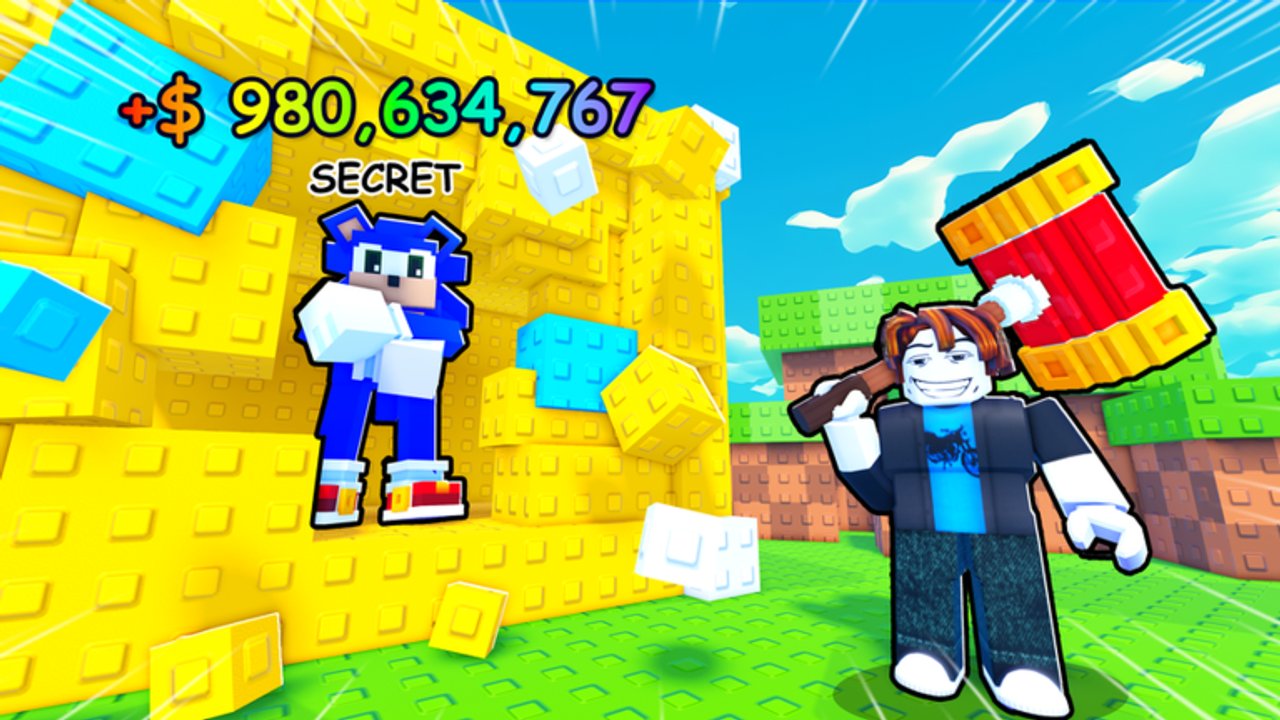
If you searched Break a Sonic Block last month and the tile said [ULTRA], then this week it says [SUMMER] or [SONIC.EXE], you did not necessarily find a new game. very tuff games and many Roblox creators rotate title prefixes as branding and update tags while keeping the same underlying place. For this experience, the stable identity is place 121549070029046 (universe 9760889718), released 2026-02-20, max 5 players.
This update page explains what those prefixes mean in practice, how to confirm you joined the correct tycoon, and which systems stay the same across marketing renames. Pair it with Hyper Sonic Update for prestige content, Getting Started if you are brand new, and Codes whenever a seasonal push coincides with fresh redeemables.
Prefixes you will see
Community listings and thumbnails commonly rotate among tags such as:
[ULTRA][SONIC.EXE][DARKSPINE][SUMMER]
Exact spelling and brackets can vary slightly in screenshots, and new seasonal words may appear after future events. The important rule is unchanged: prefix ≠ new place ID. Marketing text is allowed to chase trends (horror season, summer event, ultra branding) without migrating your plot save to a different experience.
What stays the same under a new title
Across these branding passes you should still recognize:
- Crushers from the Crusher Shop freeing Sonic-franchise characters from blocks
- Plot pads that generate cash, including offline earnings
- Codes button redeem flow for rewards like
ZONETWOand likes/favorites milestones - Speed coils and escort races on five-player servers
- Steal / collecting pressure on high-value units
- Chaos Emeralds on a timed cadence (about 15 minutes spawn, 5 minutes despawn) feeding Super and Hyper goals
If a “Break a Sonic Block” clone keeps the seasonal adjective but drops plots, codes, or the very tuff games credit, leave.
Why creators rotate titles
Roblox Discover is crowded. Seasonal prefixes help with:
- Event signaling — summer cosmetics, horror-week thumbnails, “ultra” patch energy
- Thumbnail clarity — players scanning for Sonic-adjacent tycoons notice the tag
- Update marketing — a Hyper-focused week may lean on louder prefixes even when the unlock path is still emerald-based
None of that replaces patch notes. A [DARKSPINE] rename does not automatically mean Hyper rules changed. Read Updates Hub and Hyper Sonic Update for mechanical truth.
How to confirm you joined the right game
- Prefer the URL Break a Sonic Block on Roblox.
- Match place ID
121549070029046even if the visible title string differs. - Confirm creator very tuff games.
- After join, spot-check: Codes UI, Crusher Shop, plot pads, familiar character frees.
- If friends insist “the new Sonic.exe version is different,” compare place IDs before transferring attention or Robux private-server spend.
Bookmarking the place ID beats bookmarking a screenshot of last month’s prefix. More outbound trust guidance lives on Official Resources and the Links Hub.
Seasonal titles versus real content updates
| Signal | Likely meaning | What you should do |
|---|---|---|
| Prefix change only | Branding / Discover optimization | Verify place ID; keep playing |
| New codes in UI | Milestone or event reward | Redeem via Codes |
| Hyper / emerald notes | Progression systems | Read Hyper Sonic Update |
| Steal rule tweaks | Social economy change | Adjust Protect Characters habits |
| Entirely different HUD | Possible wrong experience | Leave and relaunch from official URL |
Do not spend Robux on private servers for a copycat just because the thumbnail font matches.
Player FAQ patterns we keep seeing
“Did my data reset because the name changed?”
Usually no. Title text is not a wipe. If progress is missing, you likely joined a different place ID or a different account.
“Is [SONIC.EXE] a horror reboot?”
Treat it as a listing skin until you see documented system changes on the Updates Hub. The base loop remains crushers, plots, and emerald timing.
“Should I wait for [SUMMER] to redeem codes?”
No. Redeem active codes when they work. Seasonal marketing does not require you to sit on 2000FAVORITES! cash.
“Do coils and crushers carry across renames?”
On the same place ID, inventory and plot progress remain tied to your Roblox account for that experience—not to the adjective in the title.
Practical habits after every rename scare
- Click the official place link from Links or site metadata.
- Redeem and sanity-check Codes.
- Skim Getting Started only if onboarding UI actually changed.
- Continue emerald or cash goals without restarting your mental progress bar from zero.
- Tell teammates the place ID in chat instead of “search the summer one.”
Related pages
- Hyper Sonic Update — prestige forms and emerald path
- Getting Started — first-session checklist
- Codes Hub — active redeemables
- Updates Hub — living patch overview
- Official Resources — trust ladder for URLs
Seasonal titles are billboards. Place 121549070029046 is the address. Join the address, ignore the billboard panic, and keep breaking blocks.
Frequently Asked Questions
Quick answers for Break a Sonic Block players.
Are [ULTRA], [SONIC.EXE], [DARKSPINE], and [SUMMER] different games?
Usually no. They are rotating listing prefixes for the same Break a Sonic Block place ID 121549070029046. Always verify the place ID and very tuff games credit.
How do I make sure I joined the real experience?
Use the official Roblox URL with place 121549070029046, confirm the creator, and check for crushers, plots, and the Codes button after join.
Does a title change wipe my plot?
A marketing rename on the same place should not wipe data. Missing progress usually means a different place ID or account.
Should I wait for a new seasonal title before redeeming codes?
No. Redeem active codes as soon as they work. Check the Codes Hub after patches regardless of Discover wording.
Where do I read about real Hyper changes?
See Hyper Sonic Update and the Updates Hub for mechanical notes, not just title cosmetics.